

Start timers for anything: learning Danish, Company A, meditation. Run several at once, pause and resume, and see where the time went. Works offline, no account needed.
What it does
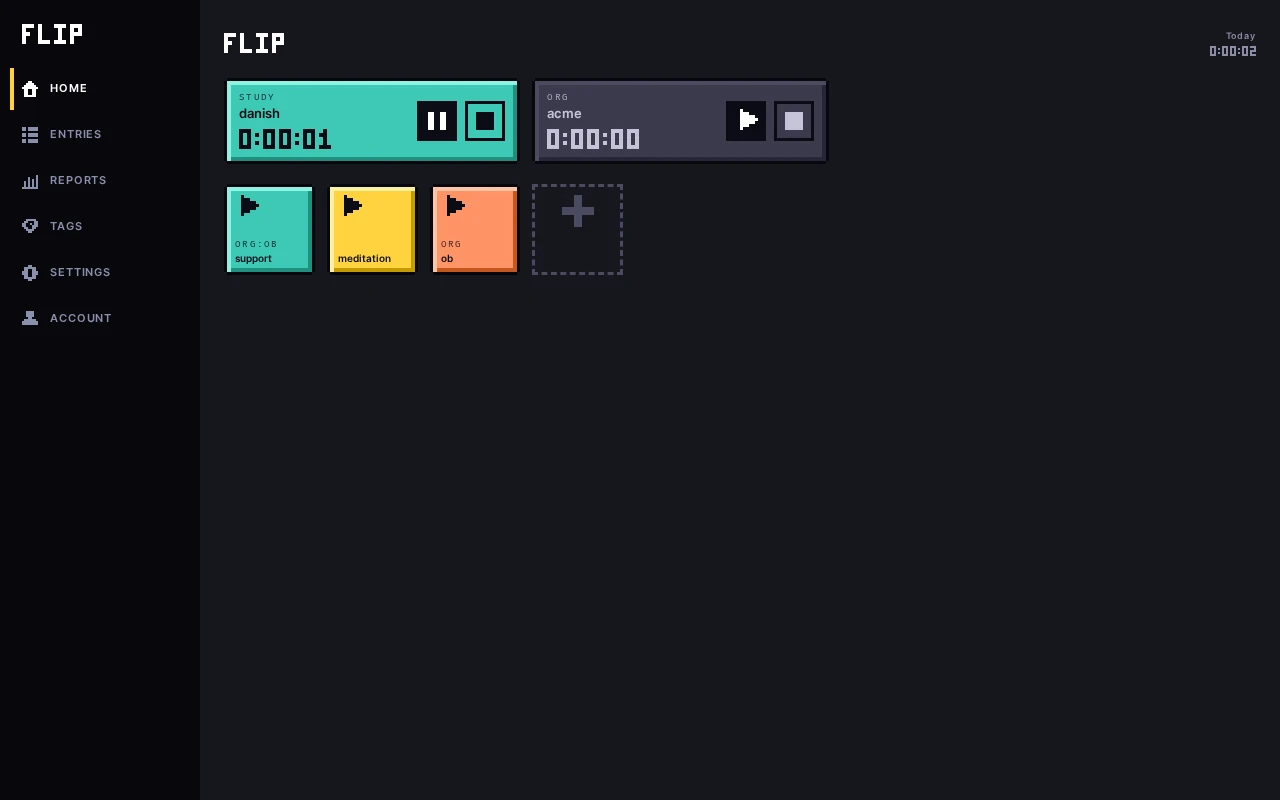
- Several timers can run at the same time, and each can be paused and resumed.
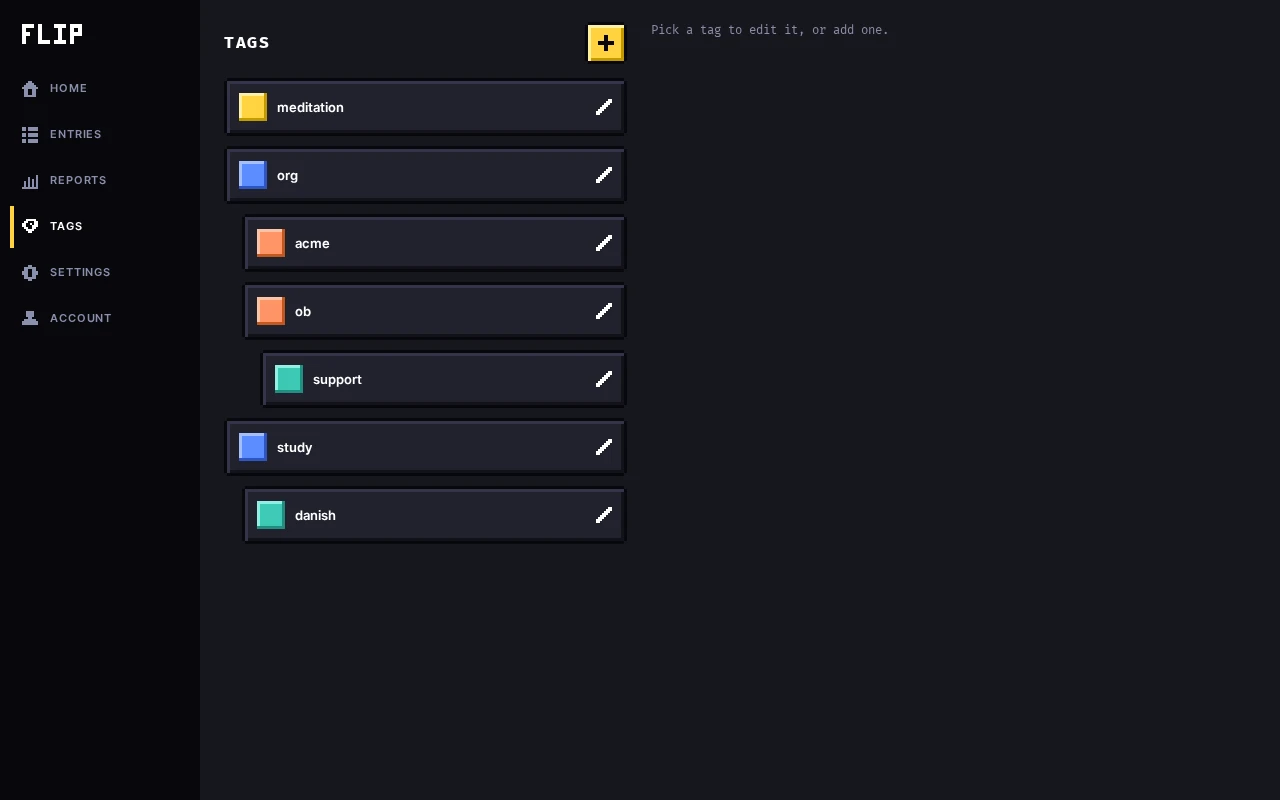
- Tags that nest: org:ob, ob:support. Filter by one and its children are included.
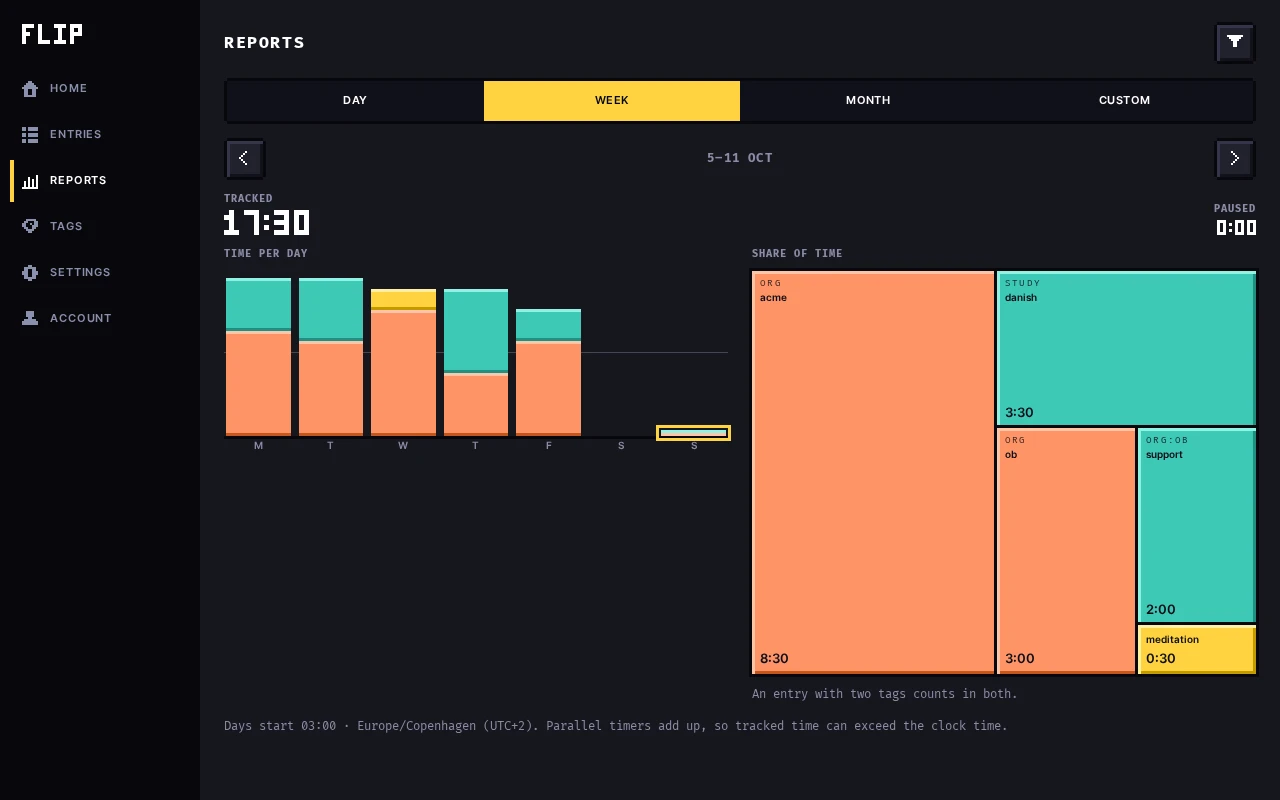
- Reports for a day, week, month or any range, with the time zone and the day start shown every time.
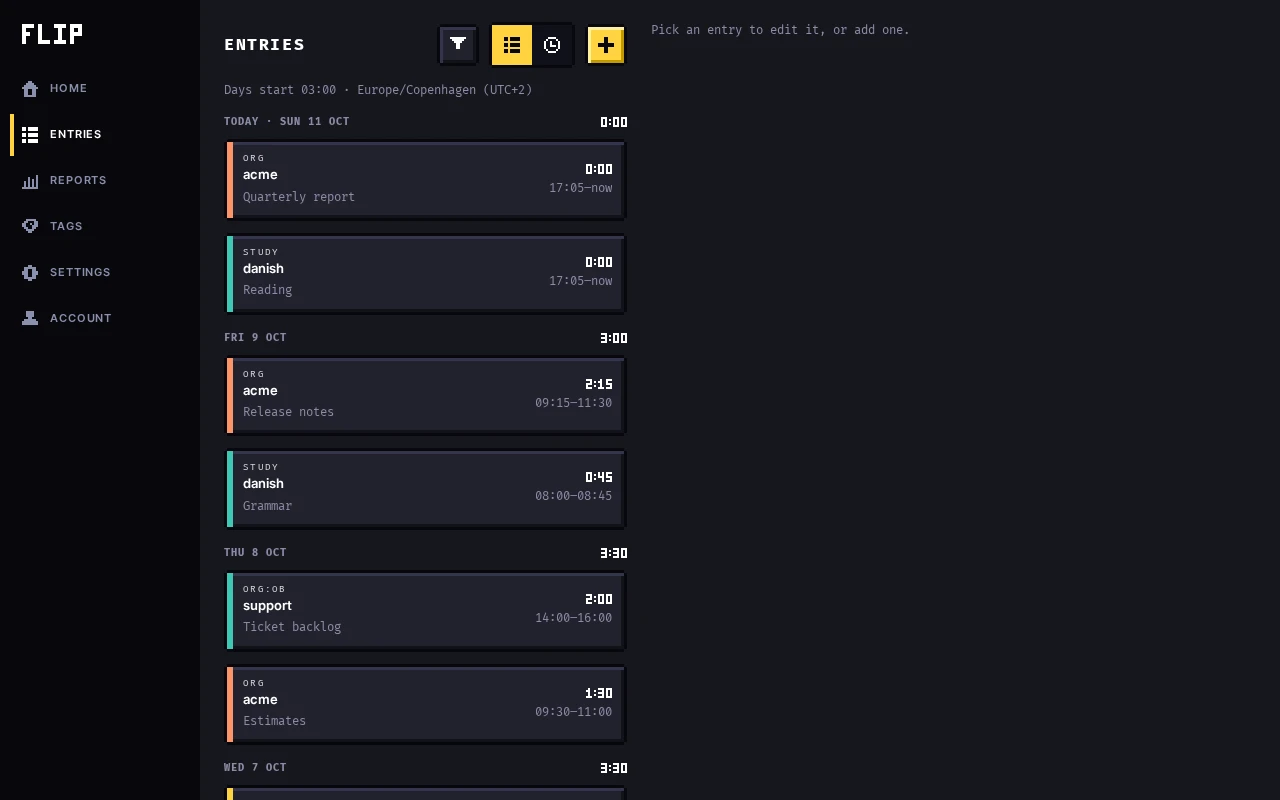
- A day starts when you say it does: work until 3am still counts as yesterday.
- Works fully offline from your device. Sign in with Google only if you want your devices in sync.
- Free, no ads. Anonymous usage counts and crash reports only if you say yes.
Where it runs
In any modern browser, on a phone or a computer: just open flip.appbits.dev.
How it goes
Can I trust it?
Flip explains in detail how it works, what it protects against and what it stores:
It's made by appbits, a one-person studio in Denmark. Who's behind it.