

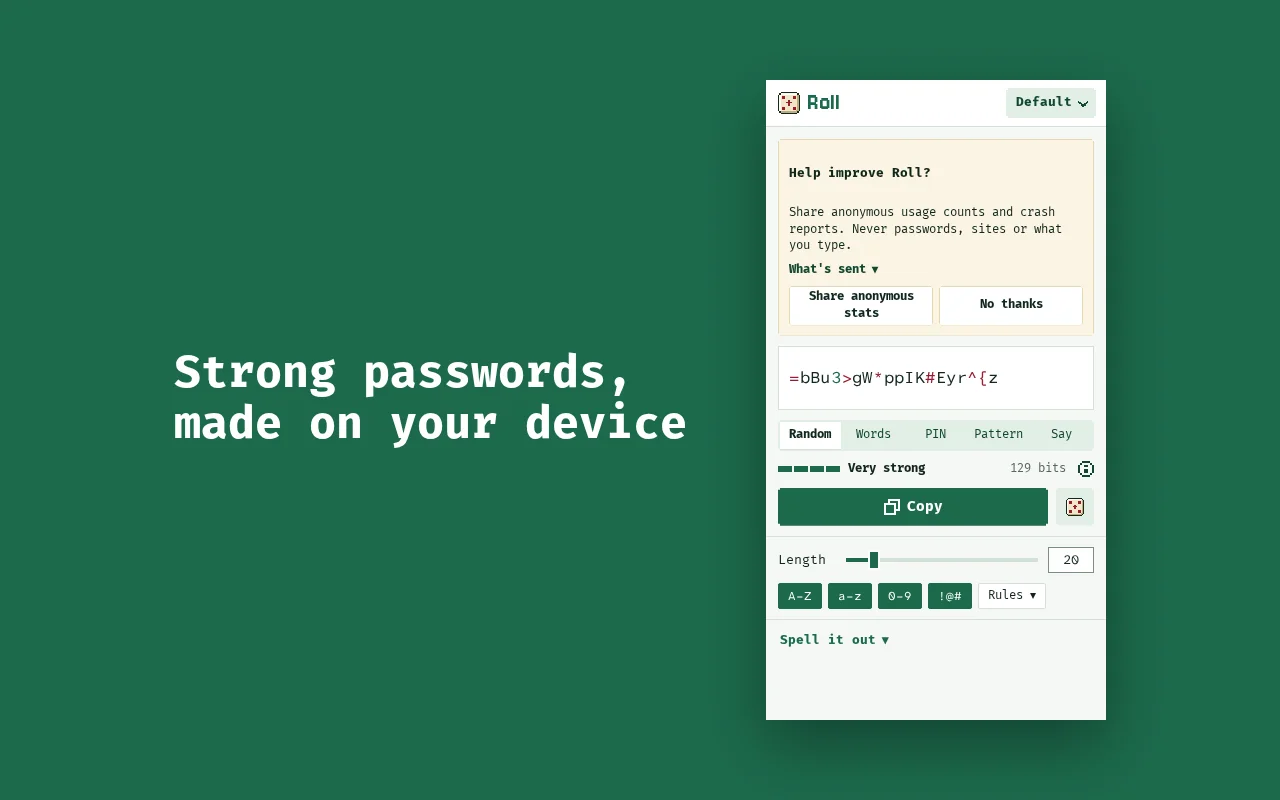
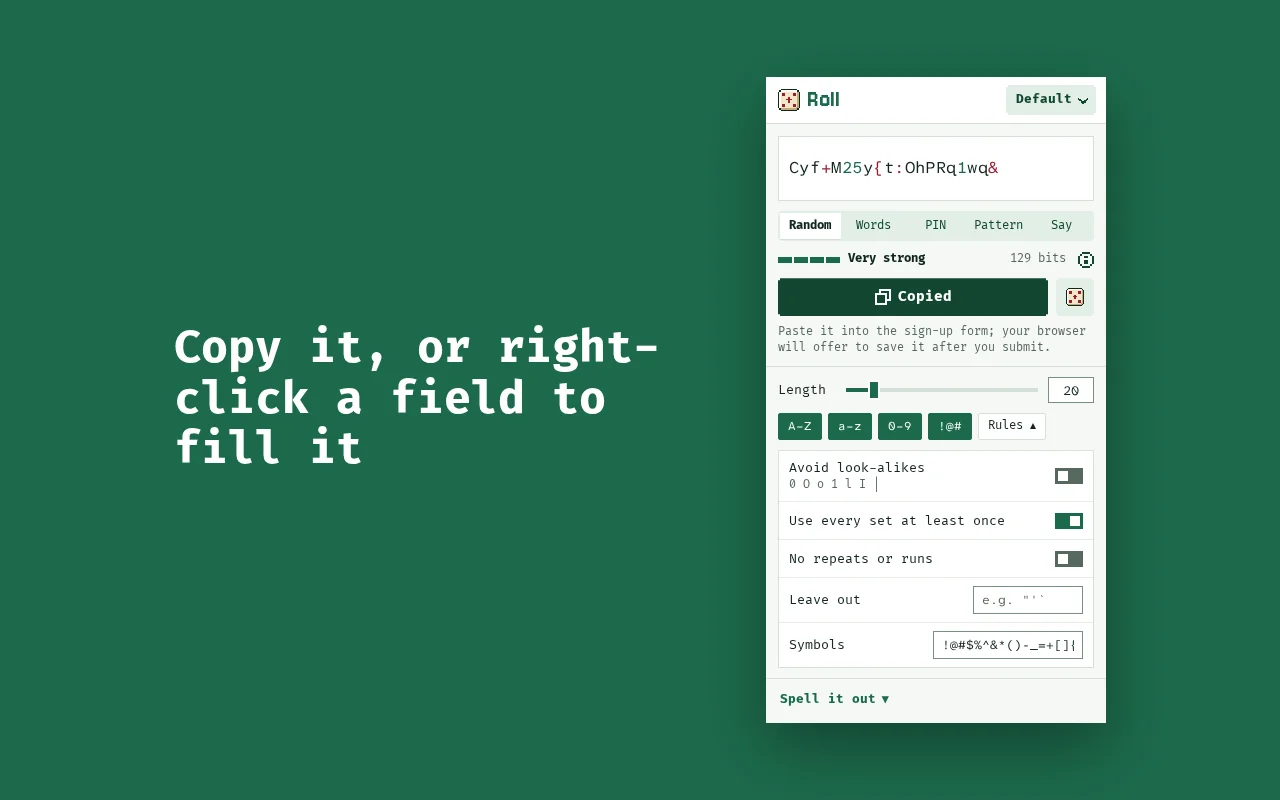
A password generator in your browser's toolbar. Copy a password, or right-click any field on a sign-up form and Roll fills it in. Passwords are never saved to disk or sent anywhere.
What it does
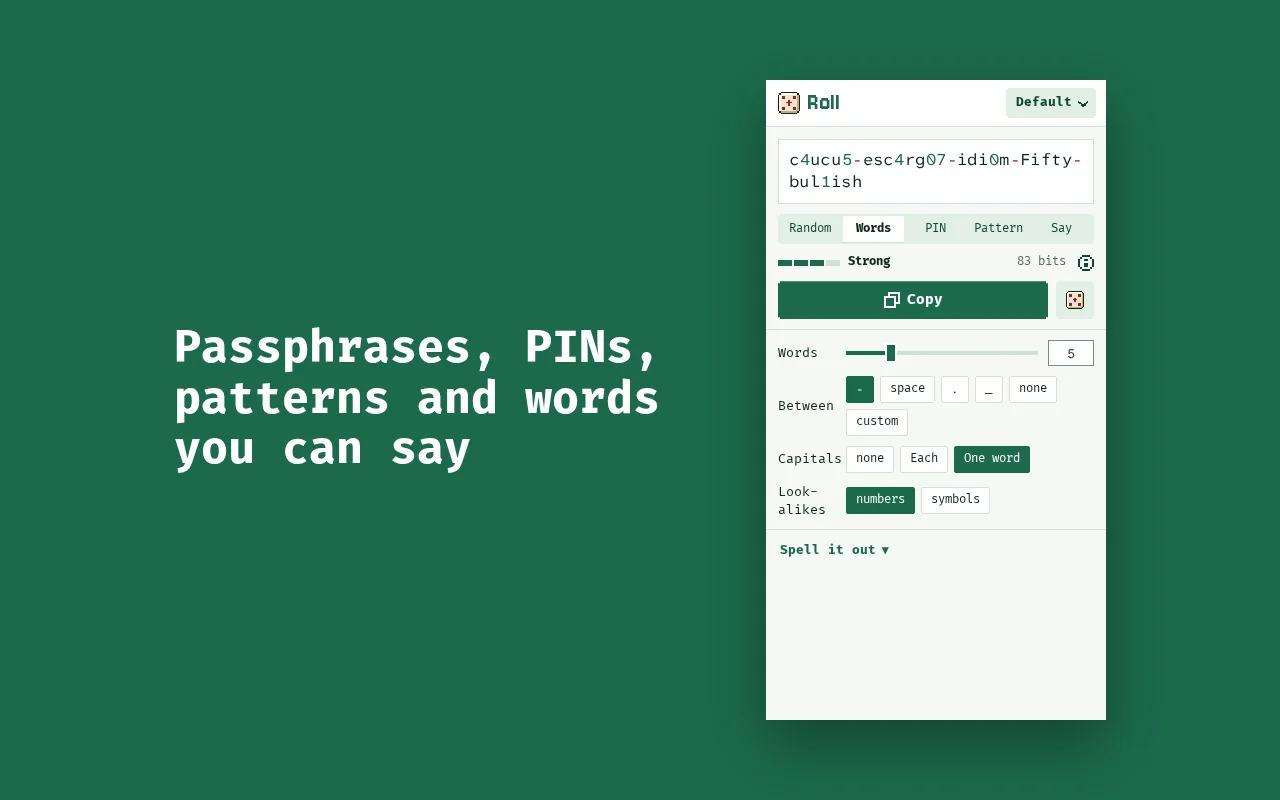
- Five kinds of password: random, passphrases from words, PINs, patterns for sites with strict rules, and passwords you can say. Numbers and symbols can stand in for the letters they look like.
- An honest strength meter: bits of entropy from how the password was made, and how long it would take to guess.
- Copy it in one click, or right-click any field and choose “Generate password here” to fill it, so your browser offers to save it.
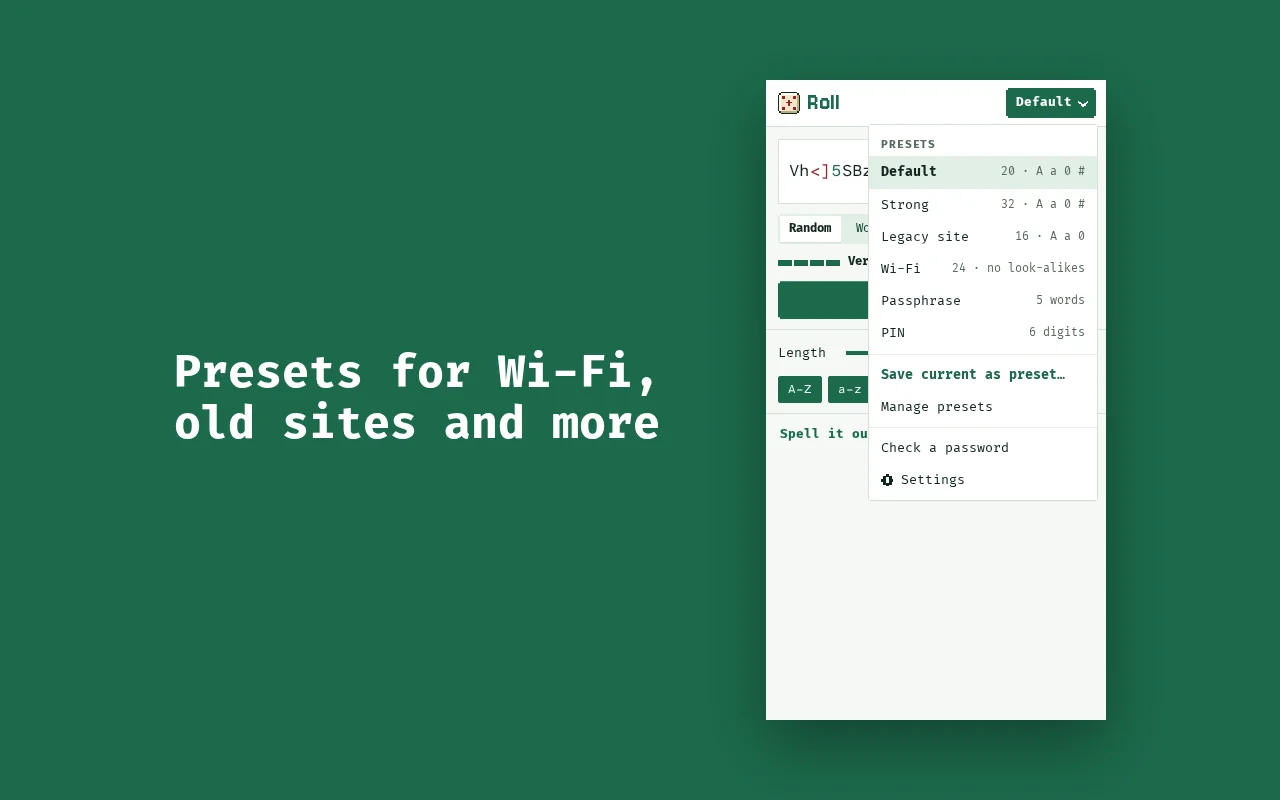
- Presets for strong, Wi-Fi and old-site passwords, passphrases and PINs, plus your own. Default is always your last-used settings.
- Spell it out shows a password character by character, so you can read it aloud or type it on another device.
- Check a password you already have, with an optional breach check that sends only the first 5 characters of its hash.
- Nothing is stored or sent: no account, no history, no server. Anonymous usage counts only if you say yes.
Where it runs
It's a browser extension for Chrome, Edge, Brave and Firefox on a computer, one click away in the toolbar.
How it goes
Can I trust it?
Roll explains in detail how it works, what it protects against and what it stores:
It's made by appbits, a one-person studio in Denmark. Who's behind it.