

Share your link, and files arrive directly from the sender's browser. No upload, no account, no size limit on the server.
What it does
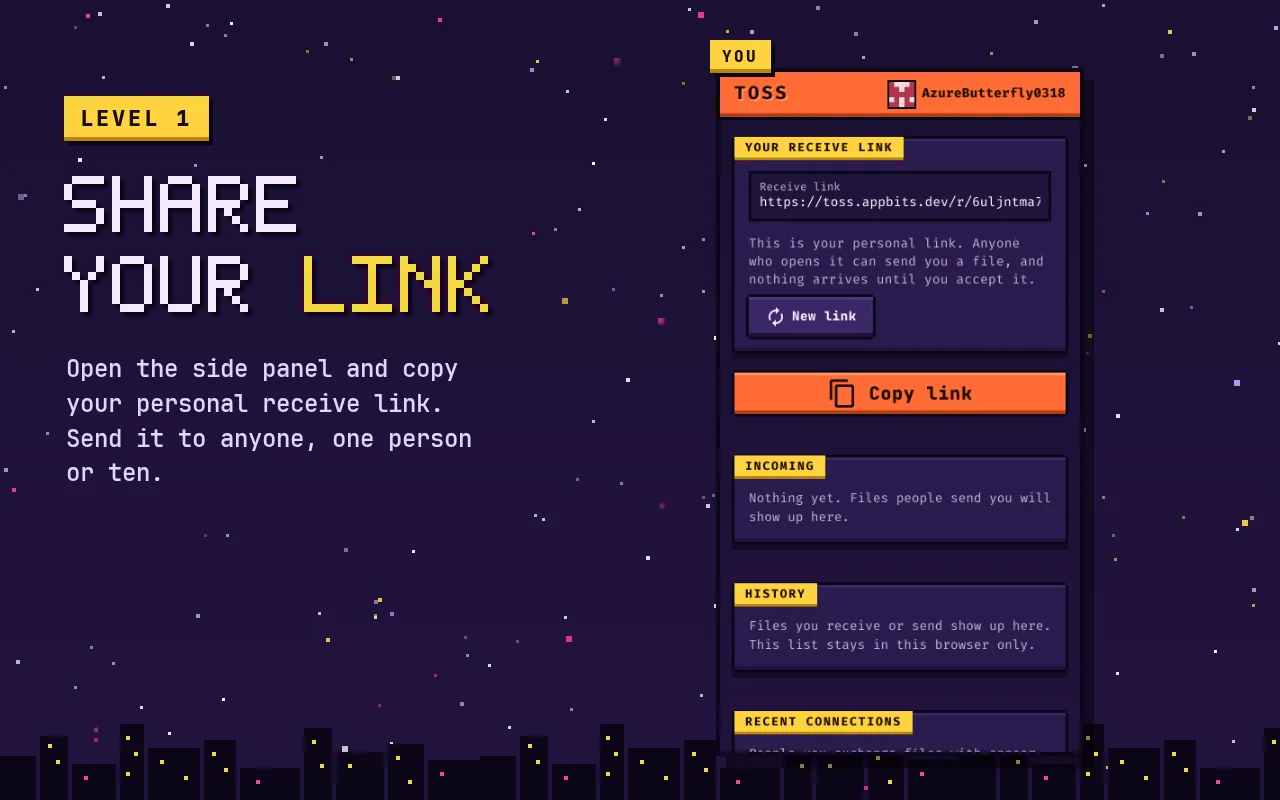
- Your own receive link, ready as soon as the page opens. Send it to one person or ten.
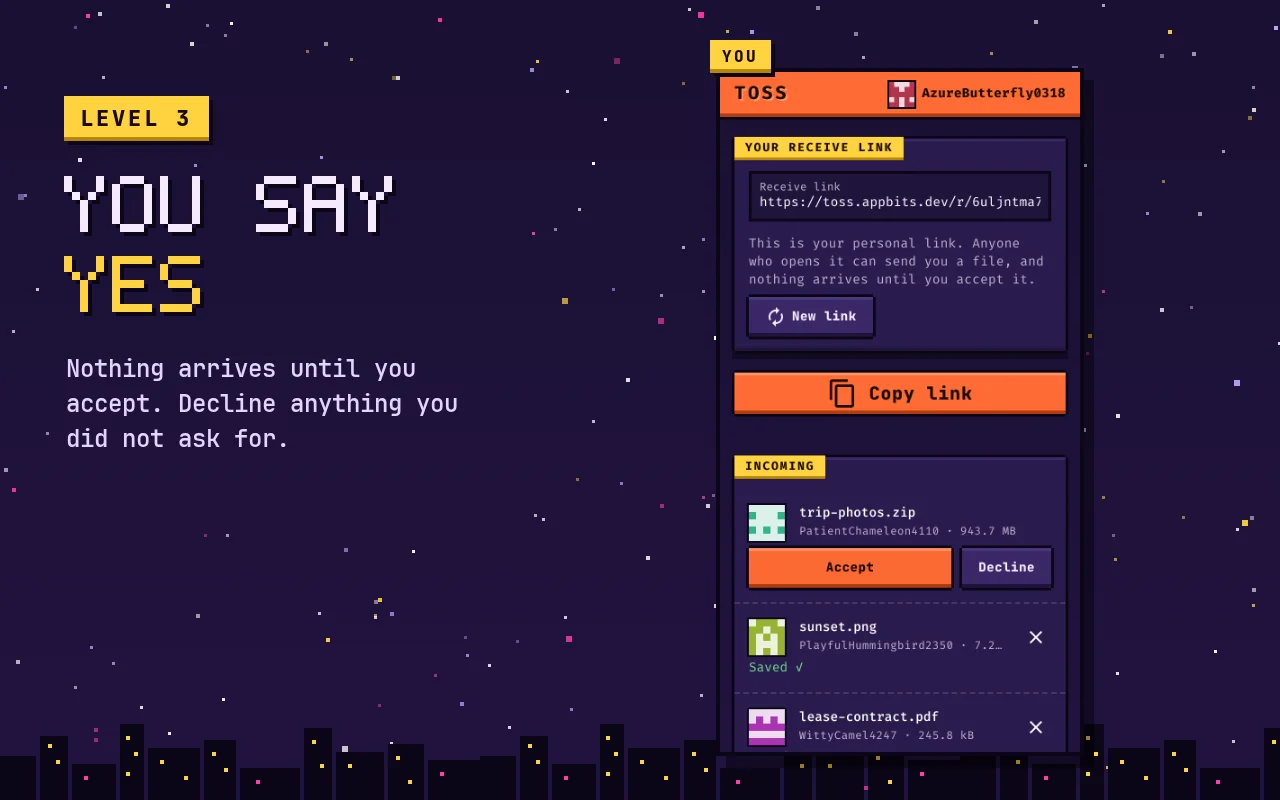
- Nothing arrives until you accept it.
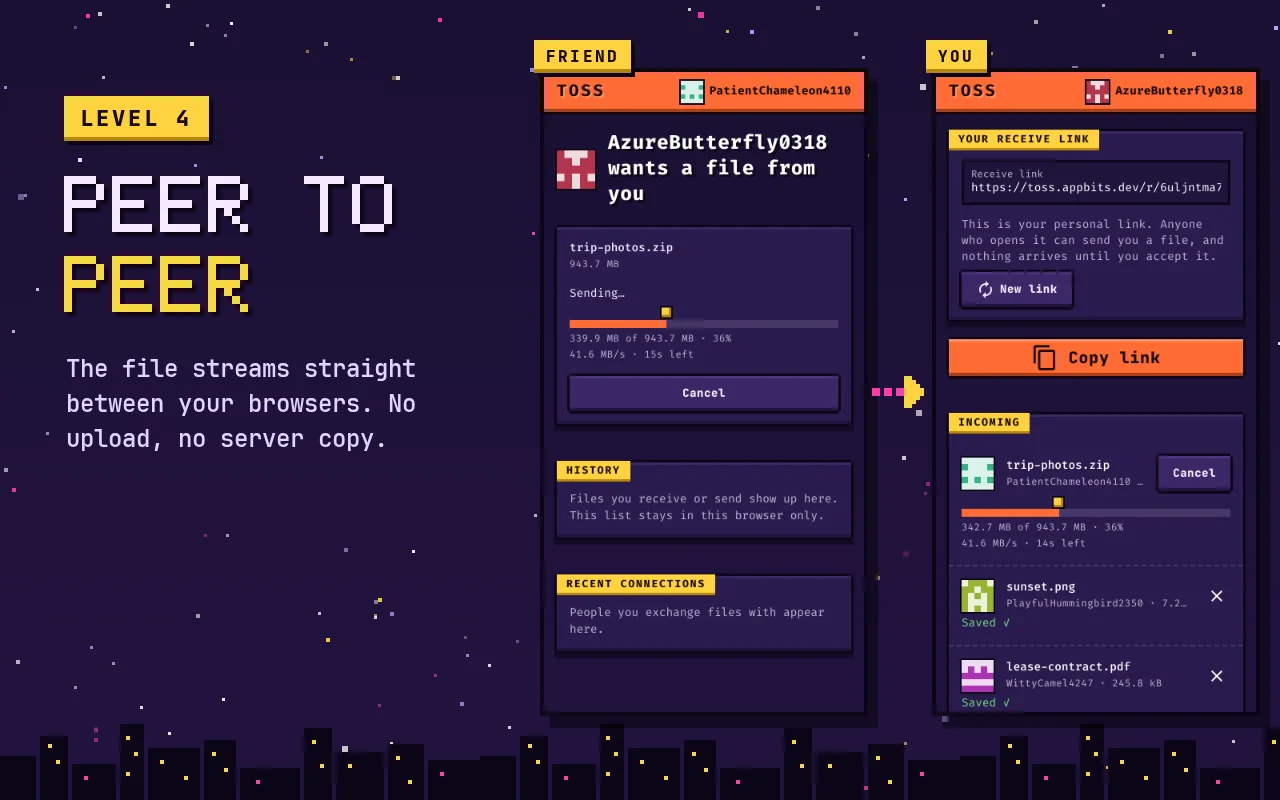
- Files go straight from their browser to yours over an encrypted connection. They never pass through our servers.
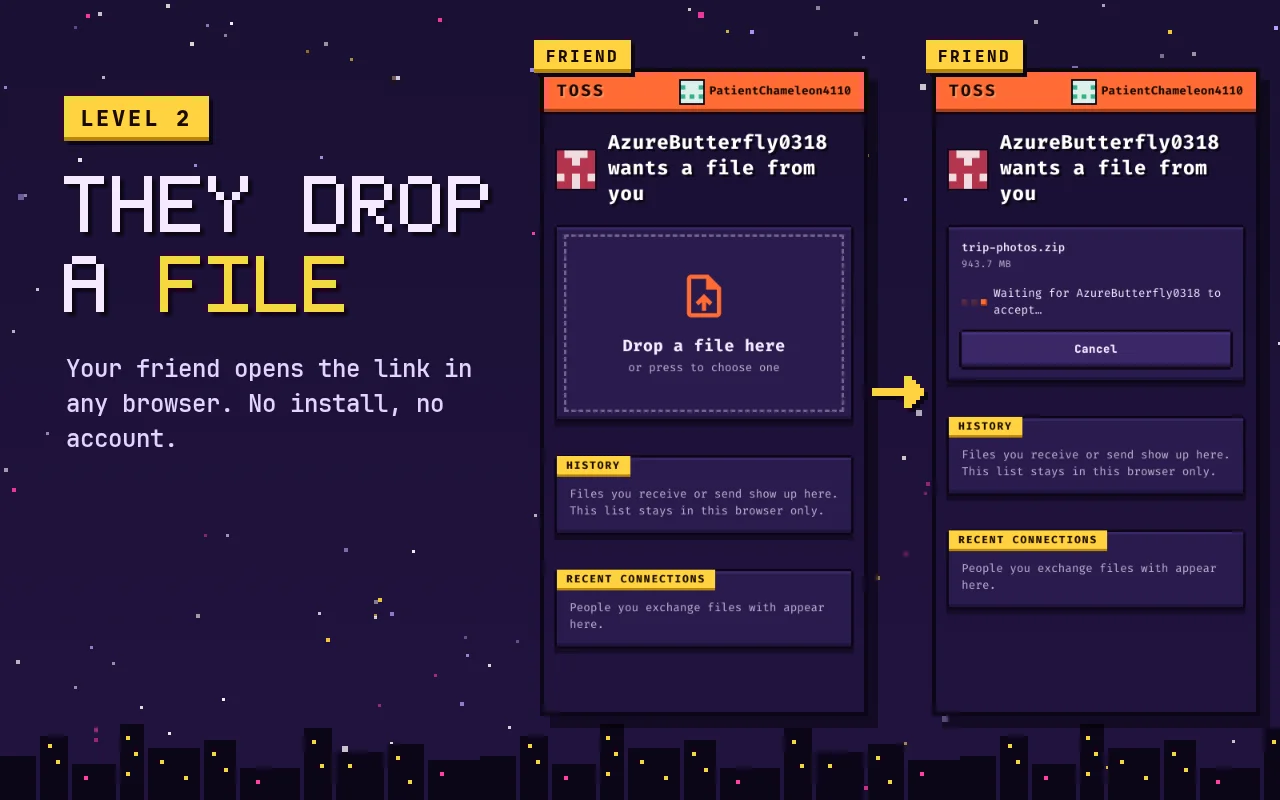
- No account, no install, no ads and no cookies. The sender doesn't need anything either.
- A six-digit connection code shows that no one is in between.
Where it runs
In any modern browser, on a phone or a computer: just open toss.appbits.dev. It's also a browser extension, so it's one click away in the side panel.
How it goes
Can I trust it?
Toss explains in detail how it works, what it protects against and what it stores:
It's made by appbits, a one-person studio in Denmark. Who's behind it.